
Docusplit AI
Get the best from your digital documents powered by AI.
Learn this stack in Academy
Get implementation playbooks for tools like Docusplit AI in guided Academy lessons. Start free, then unlock the full library with Learner.
Open Academy →Expert Video Review by SEOGANT · March 2026
Screenshots
Distribution Score: 84/100 What is this? ⓘ
What is Docusplit AI?
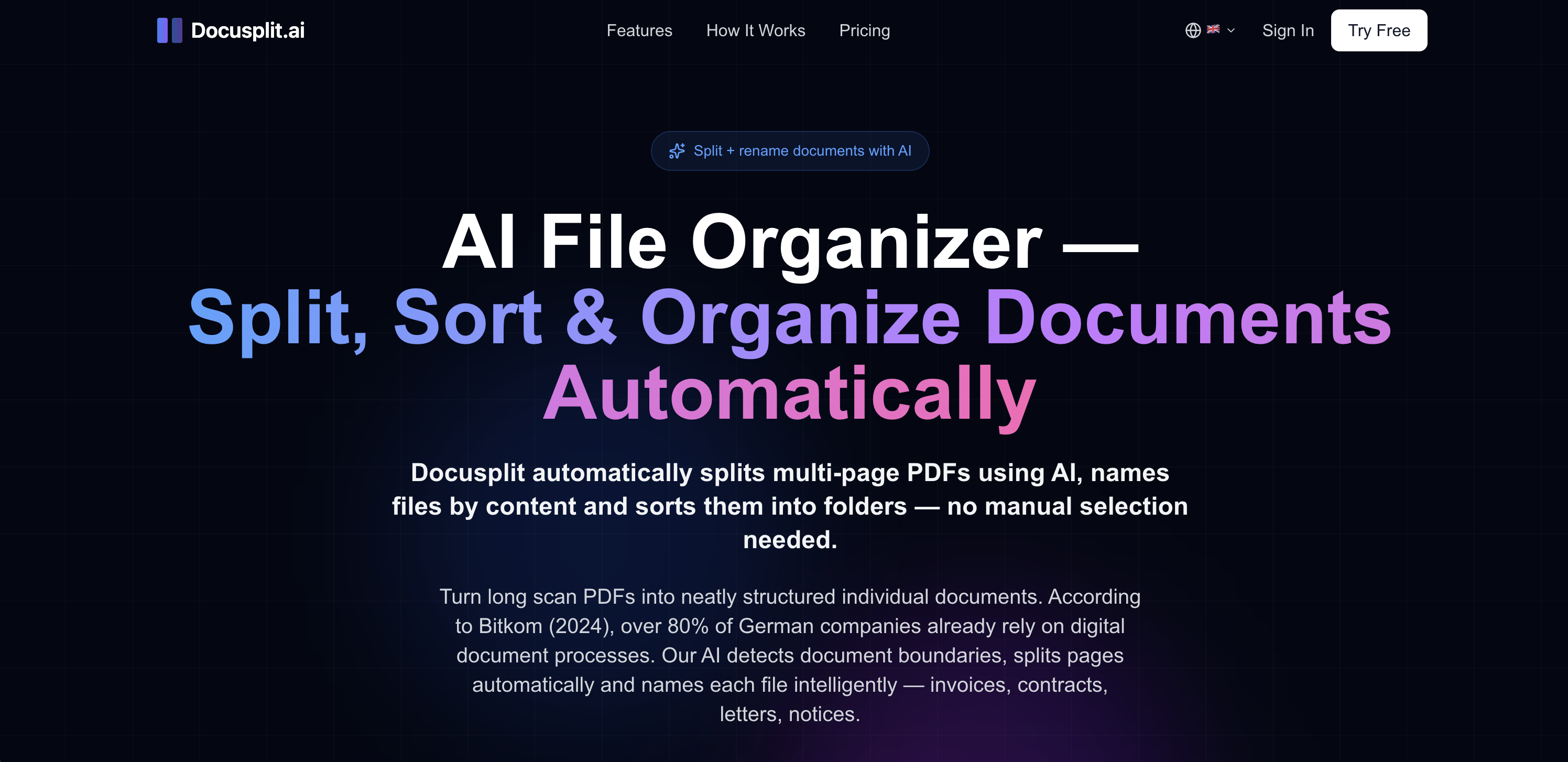
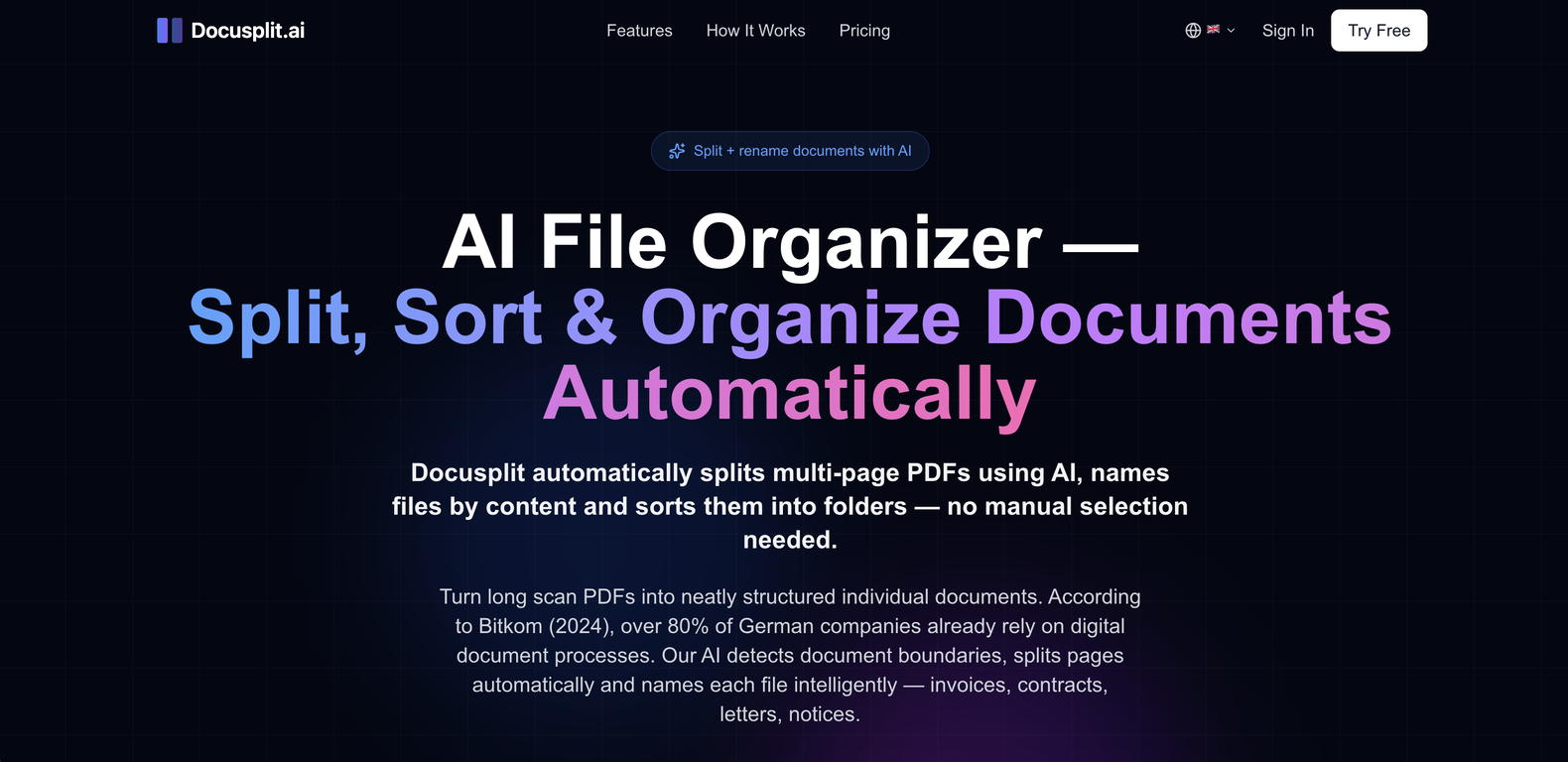
Docusplit AI is a file organization tool designed to automate the process of splitting, renaming, and organizing documents. The tool uses AI to detect and process varied types of documents such as invoices, contracts, receipts, and more.
Upon receiving a multi-page PDF, Docusplit splits it into separate documents, each named based on its content, eliminating the need for manual selection.
The tool is capable of transforming a cluttered PDF scan into a collection of neatly structured individual files. Moreover, Docusplit offers intelligent file renaming based on the document type, sender, and date.
Various types of document use cases can be supported by Docusplit, including not only auto-splitting multi-page PDFs, but also naming and sorting documents, digitizing mail, scanning stacks of mail to create named and sorted individual documents, and invoice detection and separation.
Docusplit can be used by different user groups, including individuals, freelancers, and office teams to manage their documents more efficiently and structurally.
In terms of security, Docusplit complies with the EU General Data Protection Regulation (GDPR), offers TLS 1.3 encryption for maximum data security, doesn't store PDFs permanently, and processes all data in accordance with GDPR.
- Get the best from your digital documents powered by AI.
Release History

Monthly billing.
SEOGANT Expert Verdict
Docusplit AI is a file organization tool designed to automate the process of splitting, renaming, and organizing documents. The tool uses AI to detect and process varied types of documents such as invoices, contracts, receipts, and more. Upon receiving a multi-page PDF, Docusplit splits it into separate documents, each named based on its content, eliminating the need for manual selection. The tool is capable of transforming a cluttered PDF scan into a collection of neatly structured individual files. Moreover, Docusplit offers intelligent file renaming based on the document type, sender, and date. Various types of document use cases can be supported by Docusplit, including not only auto-splitting multi-page PDFs, but also naming and sorting documents, digitizing mail, scanning stacks of mail to create named and sorted individual documents, and invoice detection and separation. Docusplit can be used by different user groups, including individuals, freelancers, and office teams to manage their documents more efficiently and structurally. In terms of security, Docusplit complies with the EU General Data Protection Regulation (GDPR), offers TLS 1.3 encryption for maximum data security, doesn't store PDFs permanently, and processes all data in accordance with GDPR.
Distribution score of 84/100 reflects current channel strength and concentration risk. We recommend Docusplit AI for teams prioritizing repeatable distribution over one-off growth spikes.
Similar AI Tools
Founder
Comments (0)
Sign in to join the discussion.