
Clico
AI-powered reading and writing assistant for rapid content creation.
Learn this stack in Academy
Get implementation playbooks for tools like Clico in guided Academy lessons. Start free, then unlock the full library with Learner.
Open Academy →Product Demo Video
Screenshots


Distribution Score: 50/100 What is this? ⓘ
What is Clico?
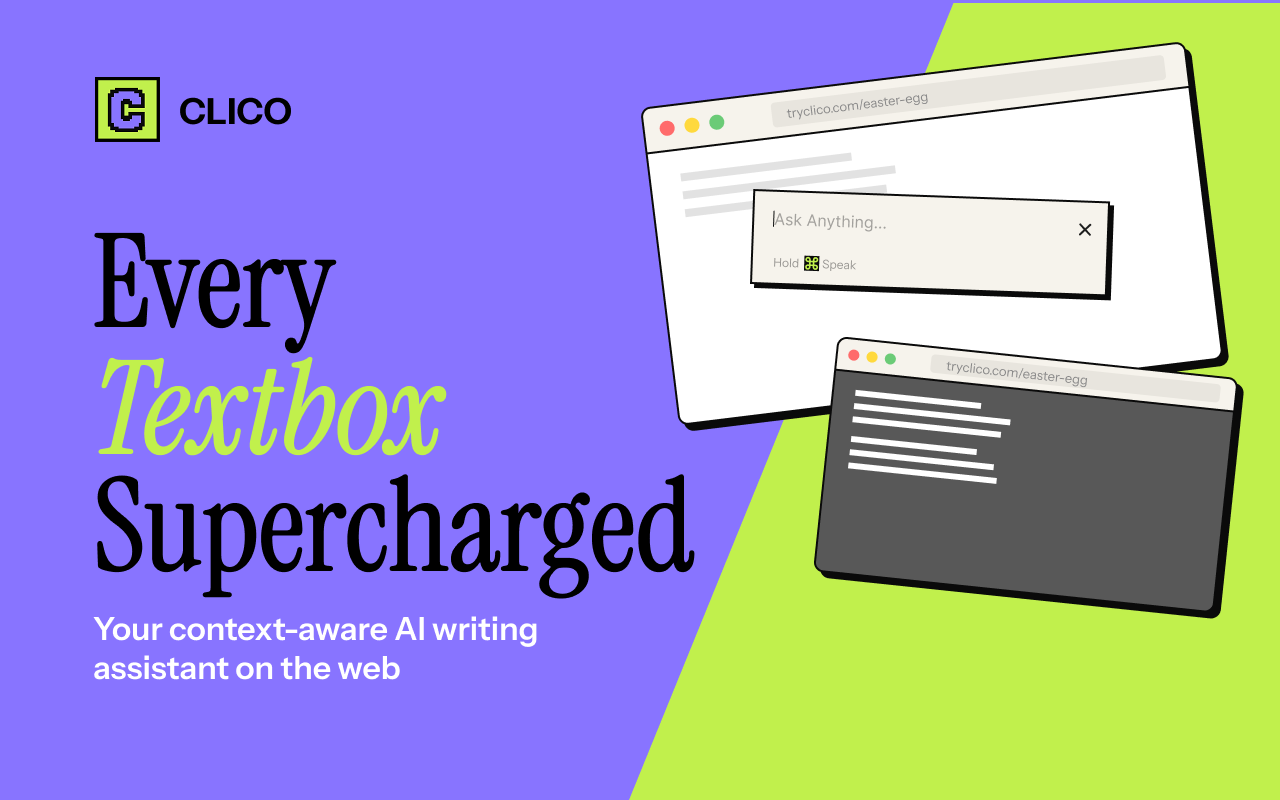
Clico AI Writing Assistant is a browser extension designed to assist users in their writing tasks across a wide range of applications. Incorporating artificial intelligence, this tool integrates with every text box, providing writing, search, summarization, and dictation features to enhance productivity.
The assistant lives where you type, eliminating the need for tab shifting or copy-pasting, hence reducing interruptions and improving focus. By using simple keyboard shortcuts, users can draft posts or replies, generate email responses that fit the ongoing conversation, continue writing where they left off in congruence with their writing style, or enhance the quality of their existing text.
Users can also utilise the highlight feature for quick AI automated searches, instantly summarize lengthy documents, and employ voice input for hands-free writing.
Clico is highly compatible; it functions seamlessly with various platforms including Gmail, Google Docs, Notion, LinkedIn, Reddit, Canva, Google Classroom, and many more, making it a comprehensive writing solution for different tasks across different platforms.The extension can be installed from the Chrome Web Store and starts working immediately across all websites visited, providing an enhanced browsing and writing experience.
Notably, no API key is needed for Clico's use, making its operation straightforward and user-friendly. The tool is free to use and compatible with Chrome, Edge, Brave, Arc, and all Chromium-based browsers.
- Agent
Release History

Clico - Now you can use @ to pull in multiple tabs as context when clico it. - We rebranded with the new neo brutalism style and it looks sharp! - We hid a little easter egg inside the extension and see if you can find it:) 3 1
Clico - Your AI sidebar now works inside Google Docs. Whether you're drafting, editing, or reviewing, it's right there with you. No tab switching, no breaking your flow. - Clico now runs on chatgpt.com too. Refine and polish AI-generated content on the spot, without ever leaving the page. - The whole web experience is noticeably faster. Less waiting, more doing. 5 0
Monthly billing.
SEOGANT Expert Verdict
Clico AI Writing Assistant is a browser extension designed to assist users in their writing tasks across a wide range of applications. Incorporating artificial intelligence, this tool integrates with every text box, providing writing, search, summarization, and dictation features to enhance productivity. The assistant lives where you type, eliminating the need for tab shifting or copy-pasting, hence reducing interruptions and improving focus. By using simple keyboard shortcuts, users can draft posts or replies, generate email responses that fit the ongoing conversation, continue writing where they left off in congruence with their writing style, or enhance the quality of their existing text. Users can also utilise the highlight feature for quick AI automated searches, instantly summarize lengthy documents, and employ voice input for hands-free writing. Clico is highly compatible; it functions seamlessly with various platforms including Gmail, Google Docs, Notion, LinkedIn, Reddit, Canva, Google Classroom, and many more, making it a comprehensive writing solution for different tasks across different platforms.The extension can be installed from the Chrome Web Store and starts working immediately across all websites visited, providing an enhanced browsing and writing experience. Notably, no API key is needed for Clico's use, making its operation straightforward and user-friendly. The tool is free to use and compatible with Chrome, Edge, Brave, Arc, and all Chromium-based browsers.
Distribution score of 50/100 reflects current channel strength and concentration risk. We recommend Clico for teams prioritizing repeatable distribution over one-off growth spikes.
Similar AI Tools
Founder
Comments (0)
Sign in to join the discussion.